wpkits.io logo

WordPress & WooCommerce Wishlist Plugin

Wishlist Kit Pro

Product wishlists. Saved content.
Sharing and email notifications.

Let visitors save products, posts and pages to personal wishlists, organize them into lists, and share them. Notify subscribed customers when saved products drop in price or return to stock.

From $39   ·   Guest wishlists   ·   WordPress & WooCommerce

Wishlist Features

Save, Organize, Share & Get Notified

A complete wishlist experience for your visitors, from saving an item to receiving product updates.

Save to a Wishlist feature illustration01

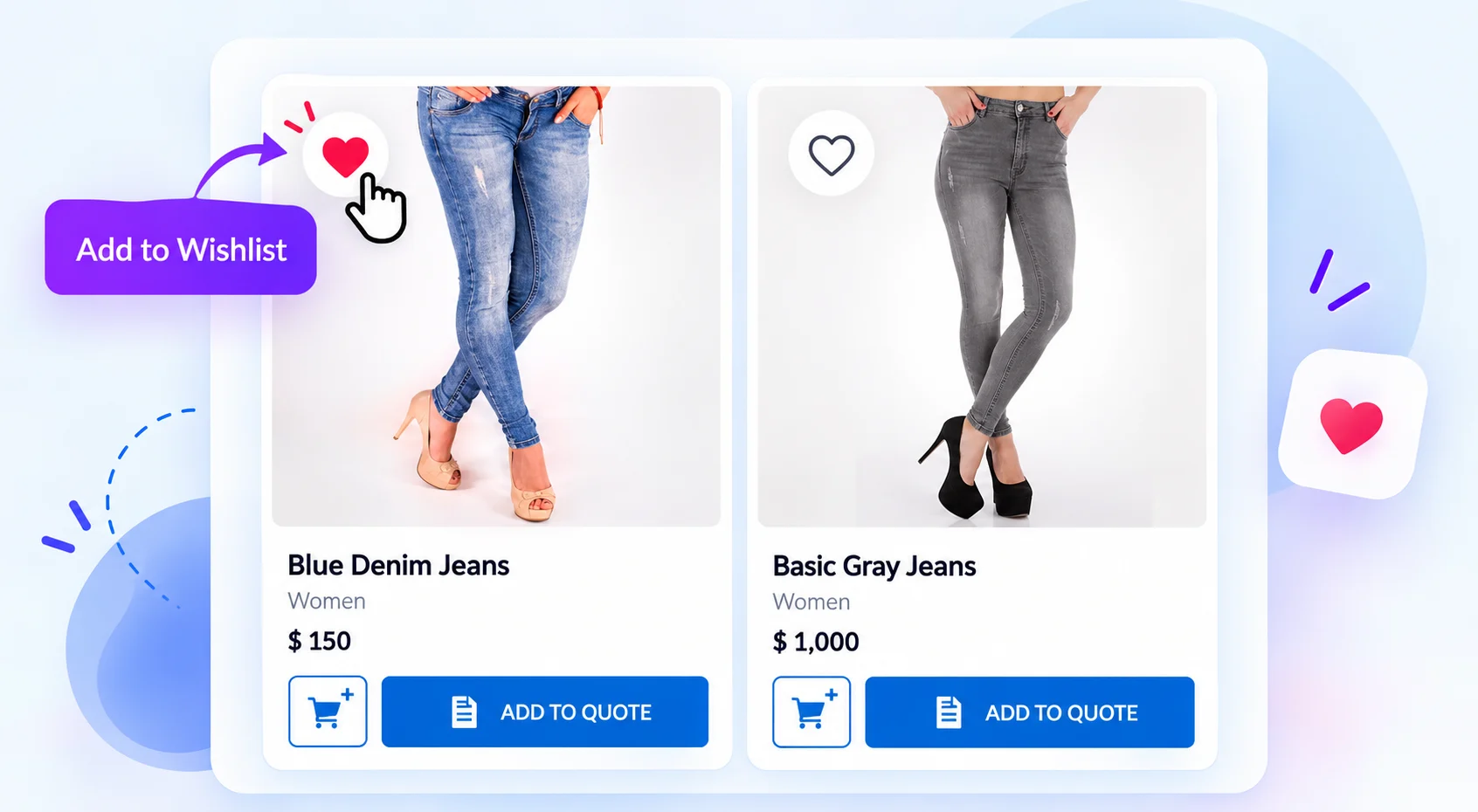
Save to a Wishlist

Add a heart button to products and supported WordPress content. Visitors can save items without creating an account.


Create Multiple Lists feature illustration02

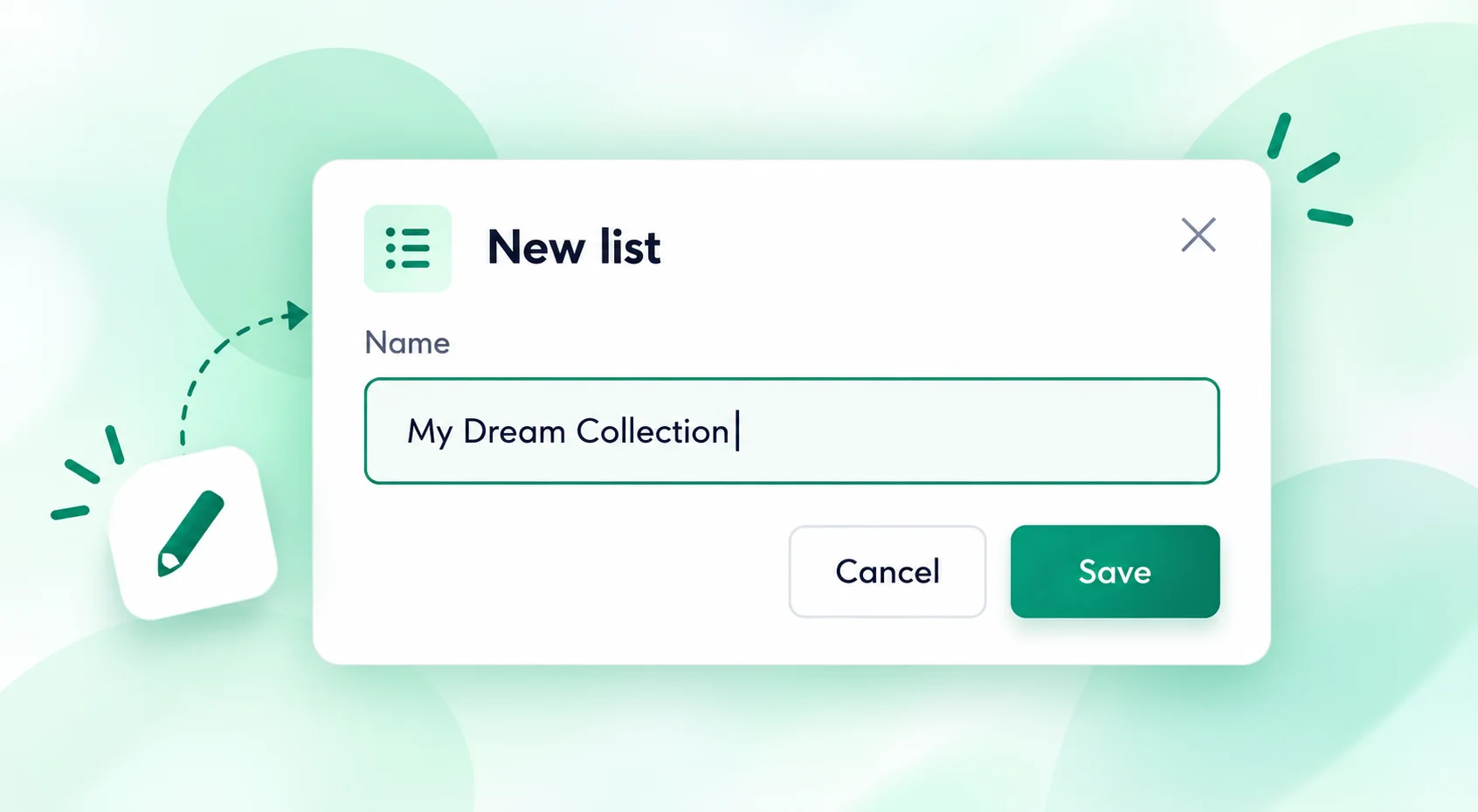
Create Multiple Lists

Visitors name their own lists and organize products, articles and other saved content by purpose.
Share Wishlist Links feature illustration03

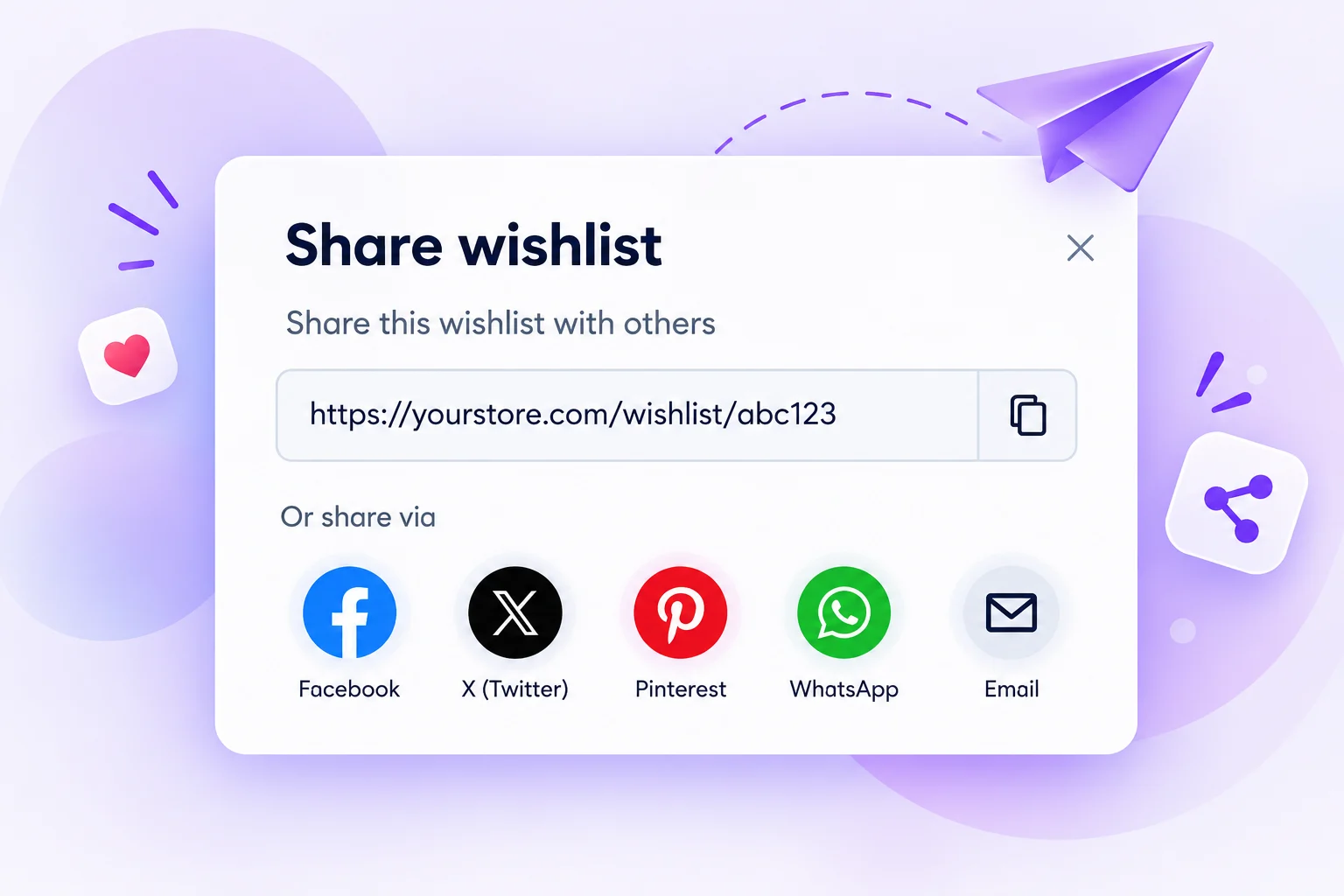
Share Wishlist Links

Send an entire wishlist with one link, or share it through WhatsApp, social platforms and email.
Subscribe to Product Alerts feature illustration04

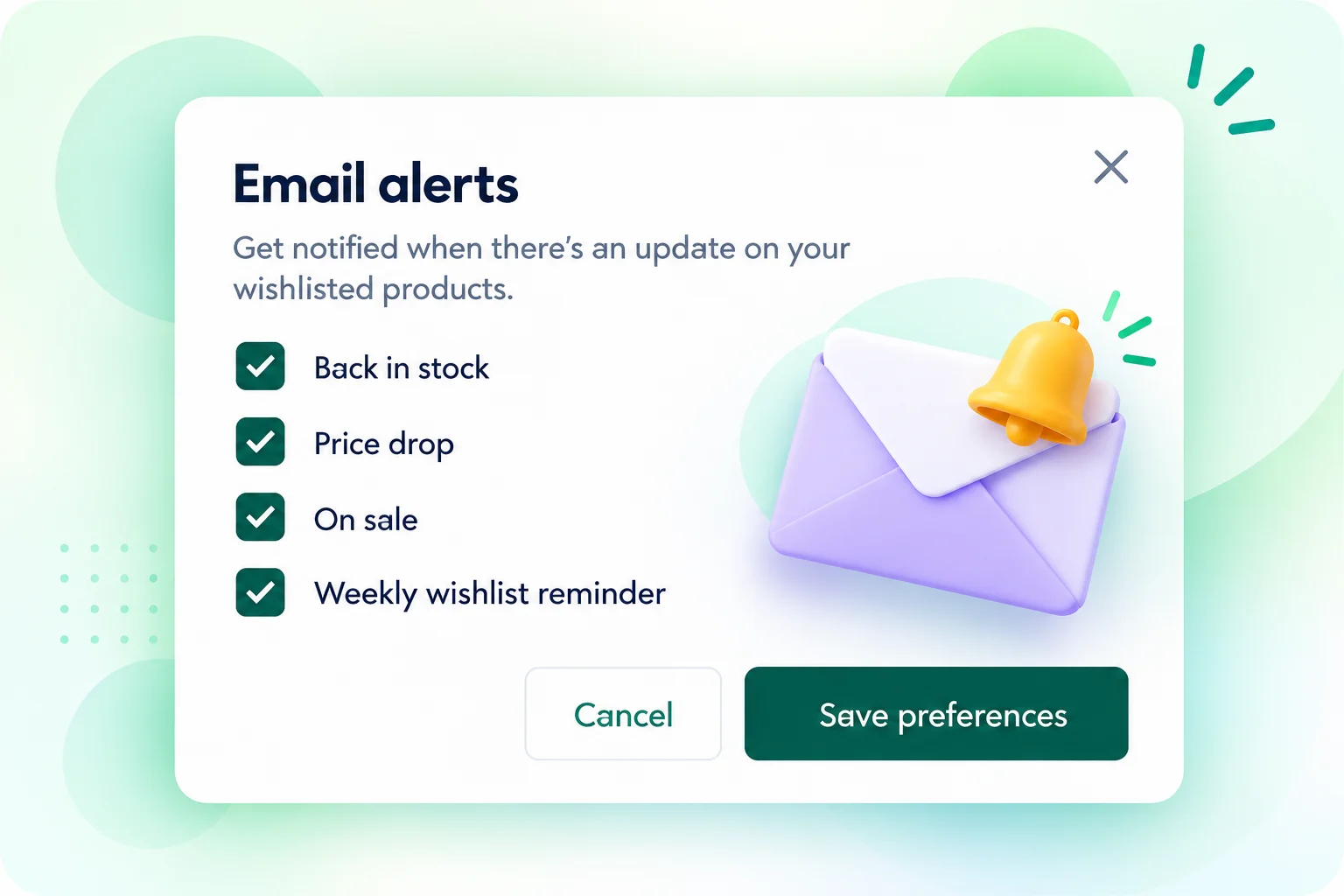
Subscribe to Product Alerts

Signed-in customers can opt in to price-drop, back-in-stock, sale and weekly reminder emails.

WordPress Content Support

Add Wishlists to Products, Posts & Pages

Choose which content types visitors can save. Wishlist Kit works with WooCommerce products and supported public WordPress post types.

  • WooCommerce products and product variations
  • Blog posts, pages and public custom post types
  • Compatible directory listings, courses and ACF-powered content

Custom content must use a supported public post type. Individual ACF field values are not separate wishlist items.
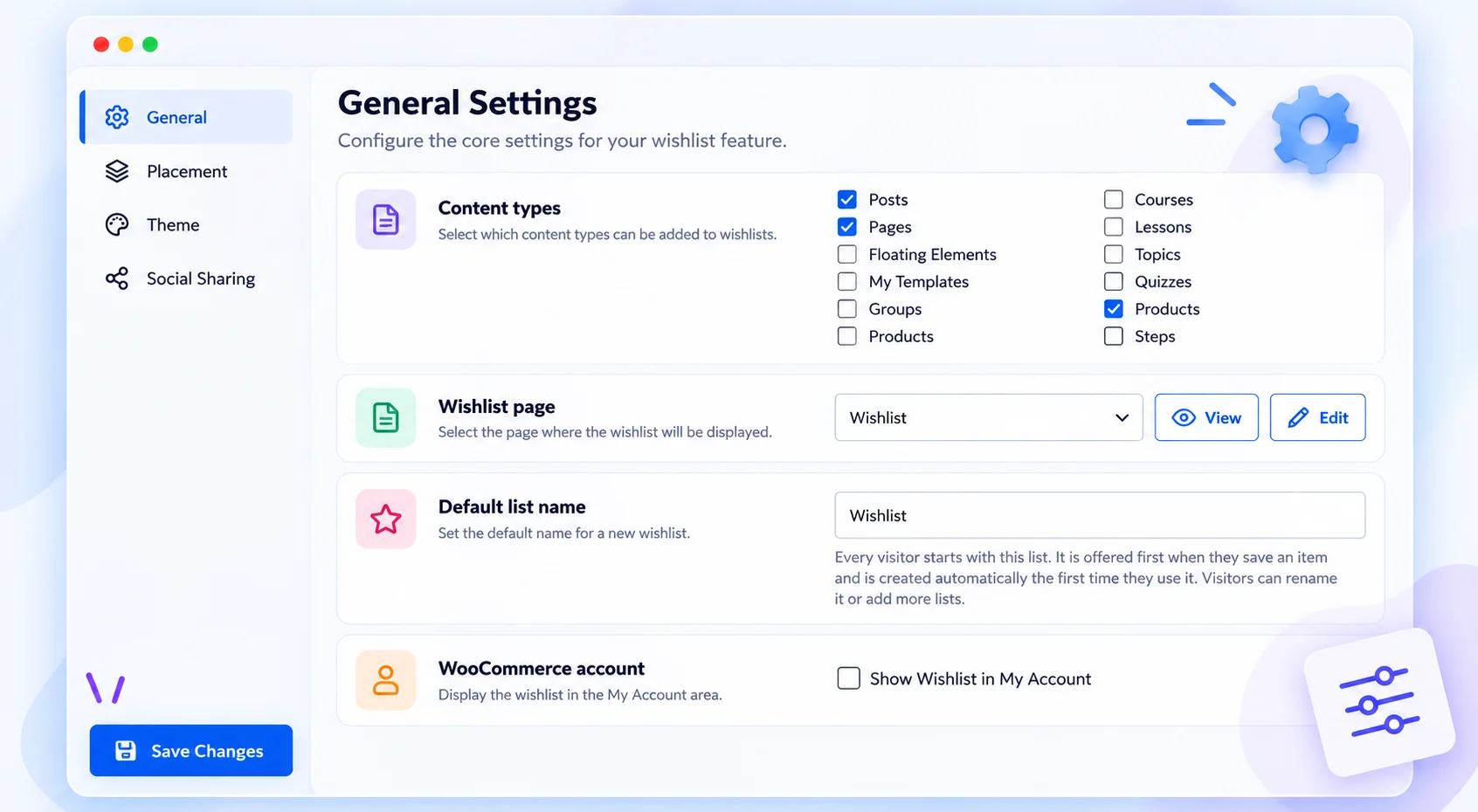
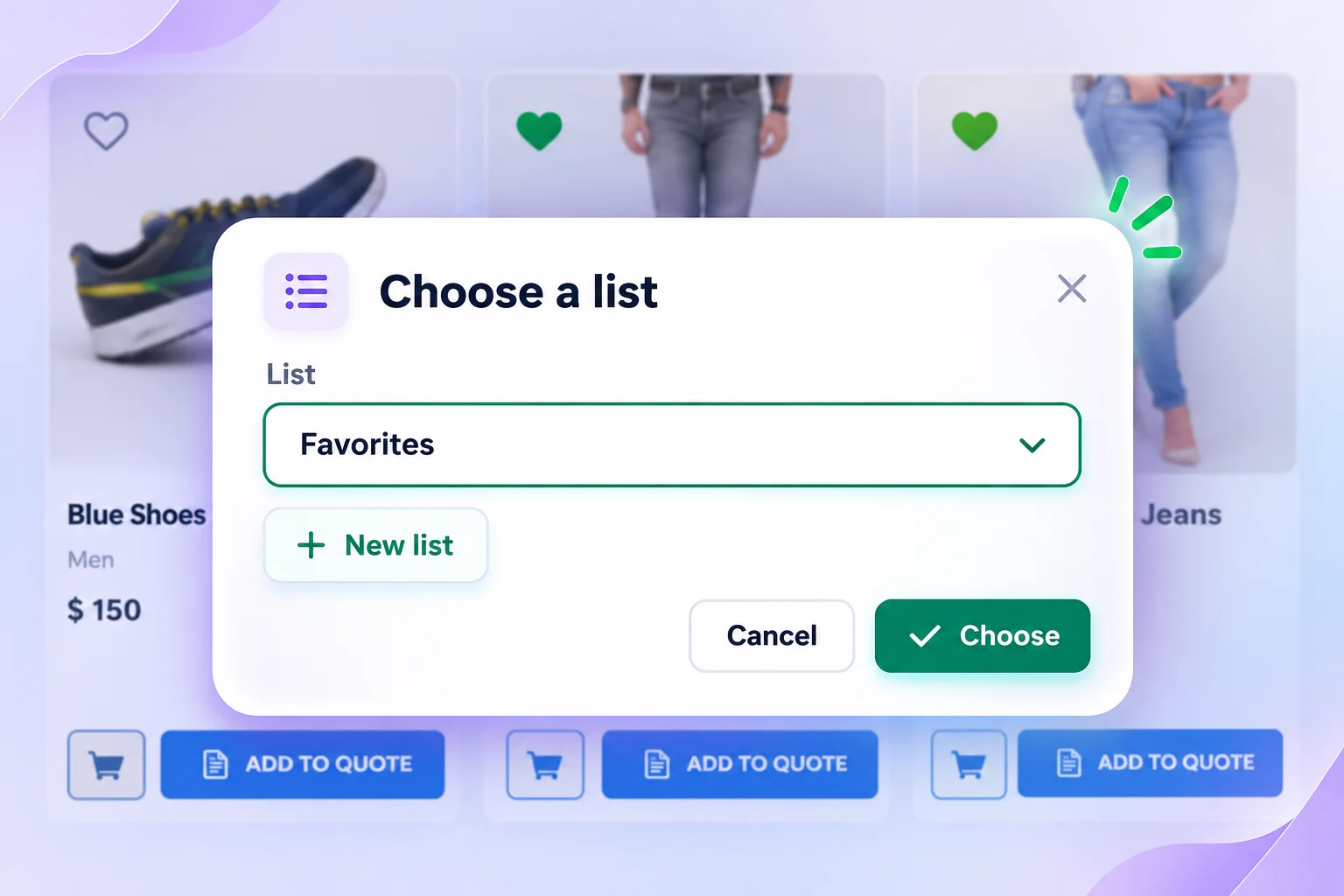
Illustration of content type and wishlist page settings
Illustration of choosing a wishlist without leaving the product page

Guest Wishlists

Save Items Without Registration

Visitors can start saving immediately. Click the wishlist button, choose an existing list or create a new one, and continue browsing.

  • No account required to save items
  • Create and name lists directly from the save dialog
  • Return to saved items in the same browser

Guest wishlists use a 30-day browser cookie. Inactive guest lists are scheduled for cleanup after 30 days; clearing browser data can remove access.

Multiple Wishlists

Create, Search & Manage Saved Lists

Give visitors a dedicated wishlist page with named lists, search, sorting and flexible display layouts.
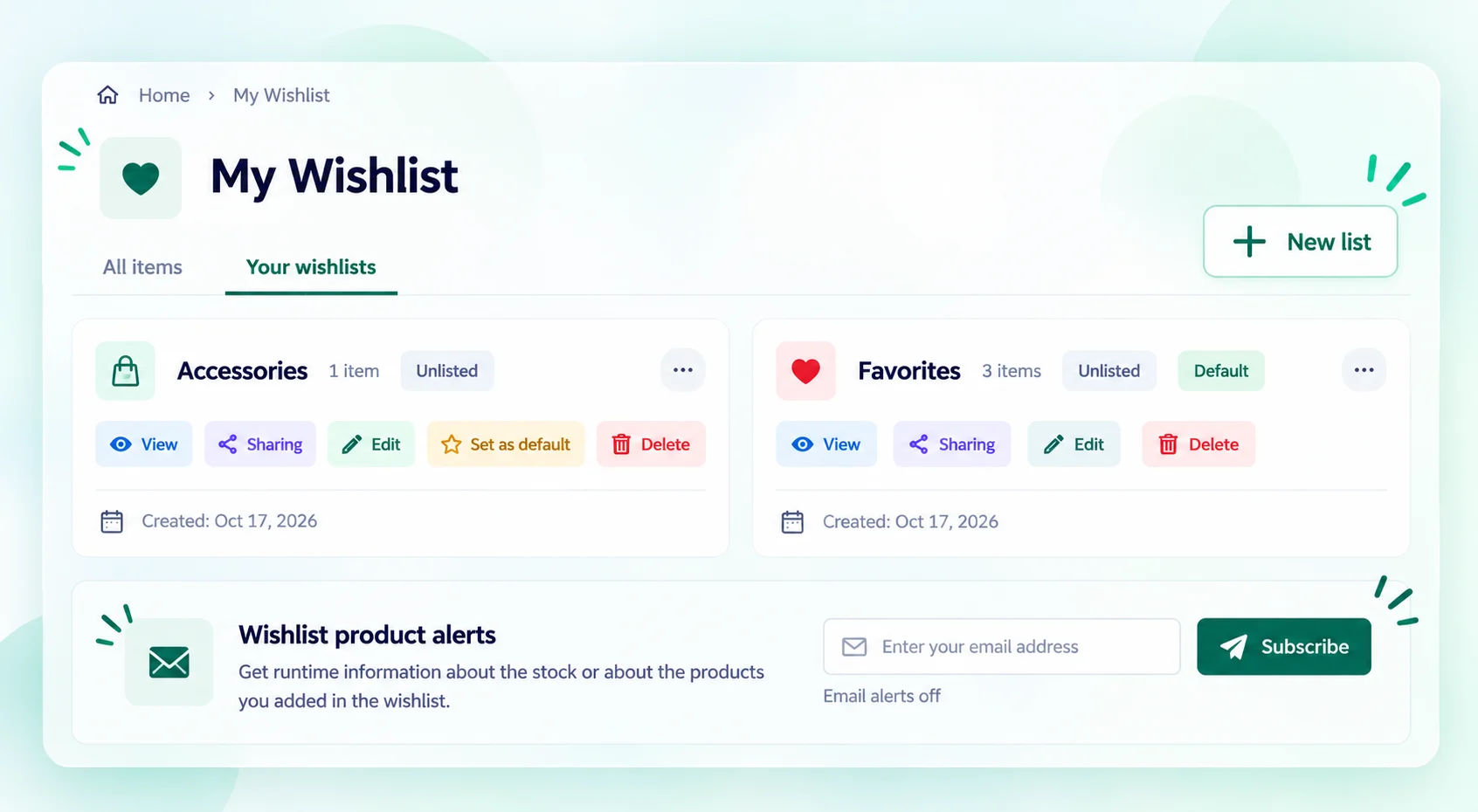
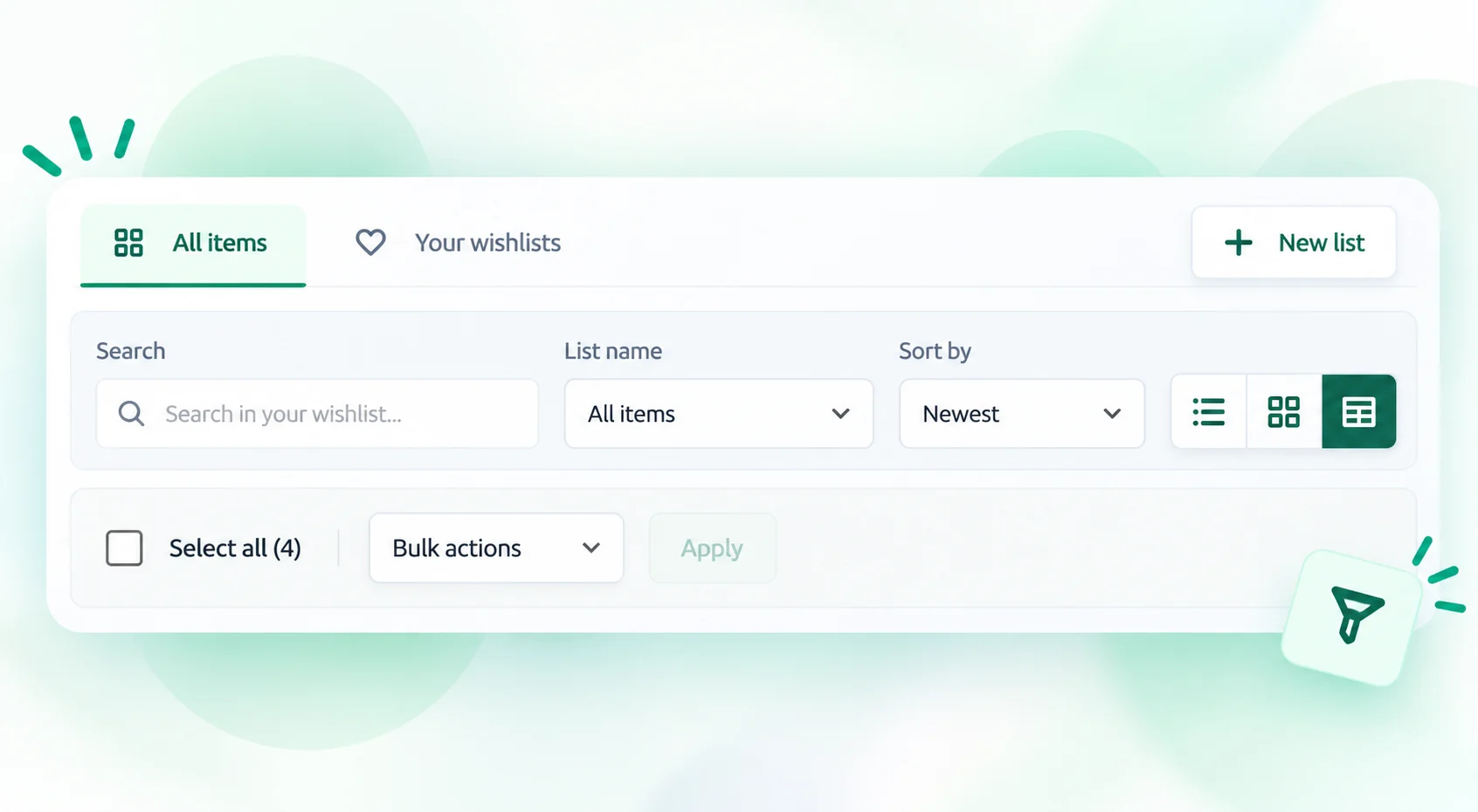
Illustration of named wishlists, default list and list management actions

Named Lists & Defaults

Create separate lists, rename them and choose which list is used by default.

Search, Sort & Bulk Actions

Find saved items, filter by list and manage selected items together.

Grid, List & Table Views

Switch the wishlist layout to browse visually or compare product details.

Wishlist Sharing

Share an Entire Wishlist With One Link

Visitors can send a complete saved list through WhatsApp, email or social platforms. Recipients open the shared link to view the items together.

  • Copy a direct link to the selected wishlist
  • Share through WhatsApp, Facebook, X, Pinterest and more
  • Keep private lists separate from shared lists

Shared lists show only publicly accessible items. Changing list visibility can revoke or rotate a sharing link.

Illustration of wishlist link copying and social sharing options

WooCommerce Email Notifications

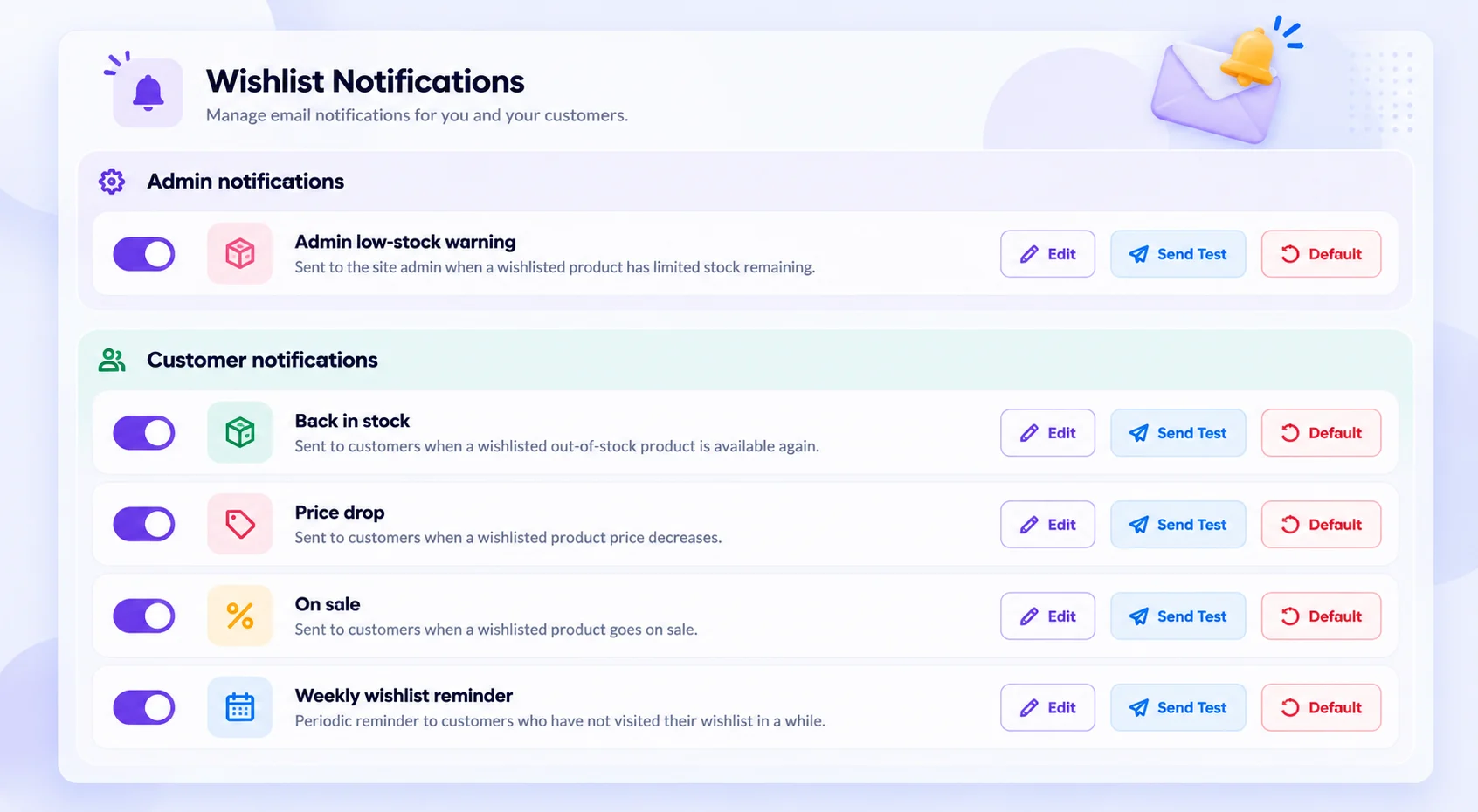
Price-Drop, Stock & Sale Alerts for Saved Products

Send relevant product emails to customers who subscribe to notifications for their wishlists.

01

Price-Drop Emails

Notify customers when a saved product becomes cheaper.

02

Back-in-Stock Emails

Notify customers when an unavailable product is available again.

03

Sale Notifications

Let customers know when a saved product goes on sale.

04

Weekly Reminders

Remind subscribed customers about their saved products.
Plans & Pricing

Wishlist Kit Pro Pricing

All plans include the same Pro features. Choose your licence duration and the number of websites you manage.

Single Website

Core

$39/ 1 year
  • All Wishlist Kit Pro features
  • Multiple wishlists and sharing
  • WooCommerce product email alerts
  • Updates and support during your licence
Buy Core Licence

One website. Choose a 1, 2, 3 or 4-year term.

Multiple Websites

Agency

$299/ year
  • All Wishlist Kit Pro features
  • Multiple wishlists and sharing
  • WooCommerce product email alerts
  • Updates and support during your licence
Buy Agency Licence

Annual licence for your selected website allowance.

Wishlist Kit Pro requires the free Wishlist Kit Lite plugin. Licence duration determines access to updates and support. Expiry does not delete saved data or disable Pro features.

Plugin Installation

Get Wishlist Kit Pro up and running

Install the plugin, activate your licence and configure your wishlist settings.
No coding required.

  1. Upload and install

    Download the Pro plugin after purchase. In WordPress, go to Plugins → Add New → Upload Plugin, then install and activate it.

  2. Activate Lite & your licence

    Use the built-in prompt to install or activate the required free Wishlist Kit Lite plugin. Enter your licence key to receive updates and support.

  3. Configure your settings

    Choose the content types to enable, set your wishlist page, customize the wishlist button and configure sharing and product email alerts.

FAQ

Frequently Asked Questions

Answers about wishlist features, email notifications, installation and licences.

Does Wishlist Kit require WooCommerce?

No. Wishlist Kit supports posts, pages and compatible public custom post types without WooCommerce. Product prices, stock information and product email alerts require WooCommerce.

Can visitors create wishlists without an account?

Yes. Guests can save items and create named wishlists without registering. Guest access uses a 30-day browser cookie, and inactive guest lists are scheduled for cleanup after 30 days. Access depends on retaining browser data.

Can visitors create and organize multiple wishlists?

Yes. Visitors can create named lists, rename them, select a default list and find saved items using search, list filters and sorting. Grid, list and table layouts are available.

How can visitors share a wishlist?

They can copy the link to a shareable list or use supported sharing options such as WhatsApp, Facebook, X, Pinterest and email. Private lists stay private, and shared lists show only publicly accessible items.

Which wishlist email notifications are included?

WooCommerce customers can subscribe to price-drop, back-in-stock, on-sale and weekly reminder emails. Customer notifications require a signed-in account, explicit opt-in and email confirmation. Guest lists are not automatically emailed. An admin low-stock warning is also available.

Do I need both Wishlist Kit Lite and Pro?

Yes. Wishlist Kit Pro extends the free Wishlist Kit Lite plugin. Both must be installed and active. Pro includes a prompt to install or activate Lite when required.

What is the difference between Core, Lifetime and Agency?

Core covers one website with a choice of 1, 2, 3 or 4 years. Lifetime is a one-time licence for one website. Agency covers your selected number of websites with an annual licence. All plans include the same Pro features.

What happens when my licence expires?

Saved wishlist data is not deleted, and Pro features are not disabled. A valid licence is required for continued plugin updates and support.

Have another question? Contact WPKits.

Add Wishlists to Your WordPress Website

Let visitors save products, posts and custom content, create multiple lists and share them with others. Send opted-in customers price-drop, back-in-stock and sale notifications.

Choose Your Plan - From $39

Wishlist Kit Product Demo

Watch on YouTube

Something powerful Is coming

It’s being built to help WordPress site owners save time, improve workflows, and grow faster.